 Synch
Synch
Education & Training Academy
Learn how to keep a community safe, fair and well run — at your own pace, with real instructors when it counts, and a certificate at the end that anyone can verify.
Or browse the catalog first — no account needed.
What you can do
Built for people who look after communities
Moderators, event runners, support staff — or anyone who wants to be ready when their community needs them.
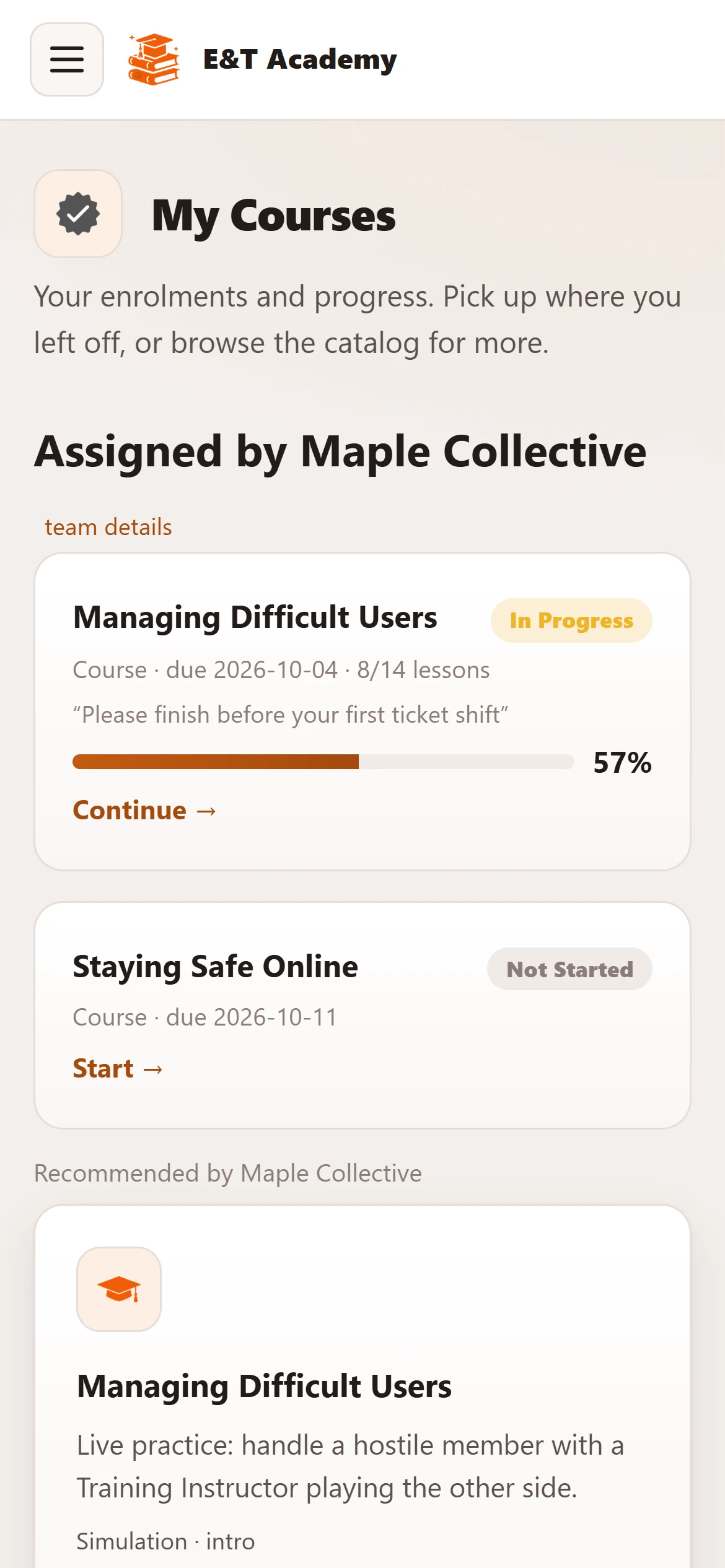
Courses you can take at your own pace
Short lessons with interactive checks, written by our Programs team and reviewed before they go live.
- Intro, intermediate and advanced levels
- Pick up where you left off, on any device
- Ask an instructor for help from inside a course
Certificates anyone can check
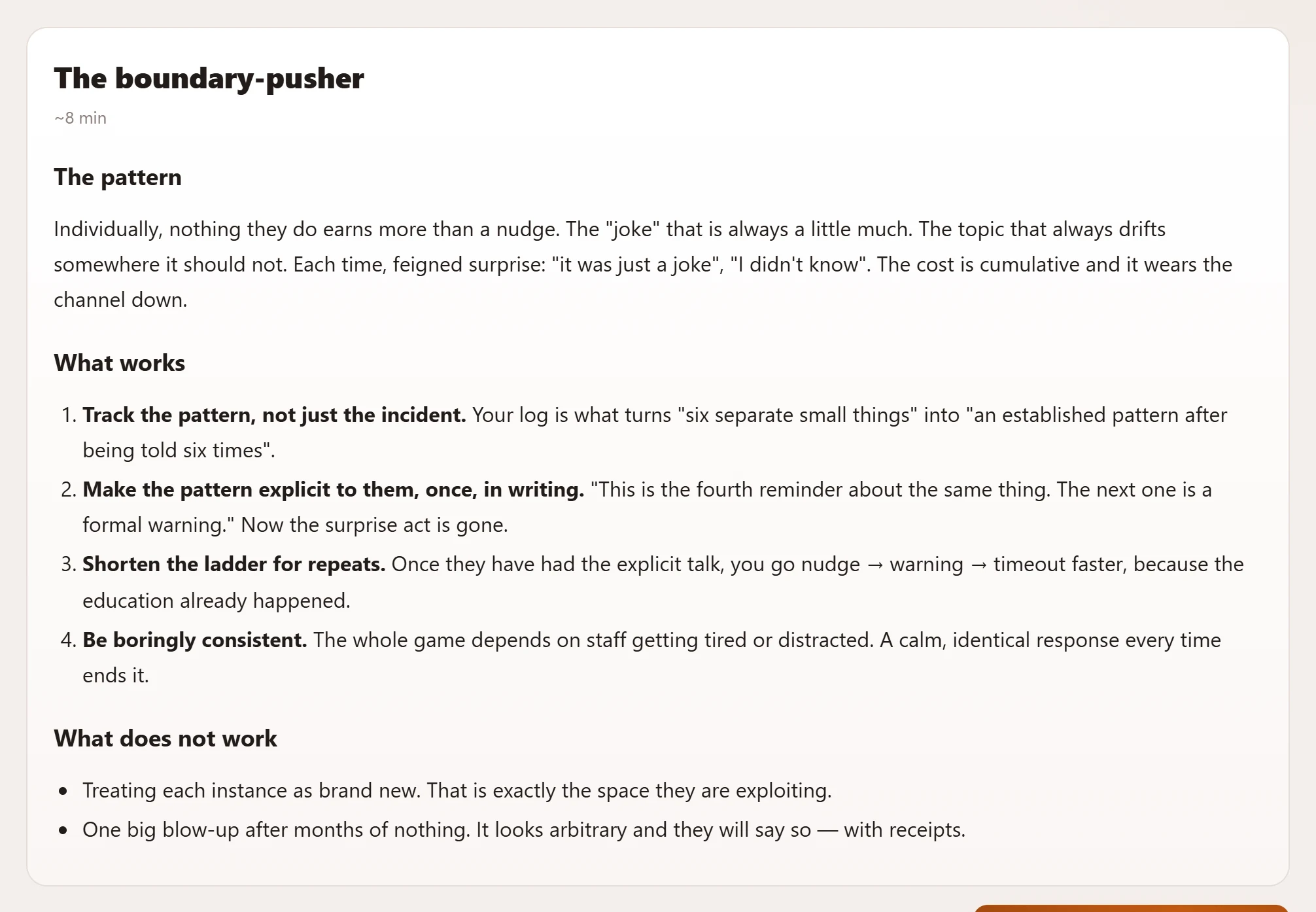
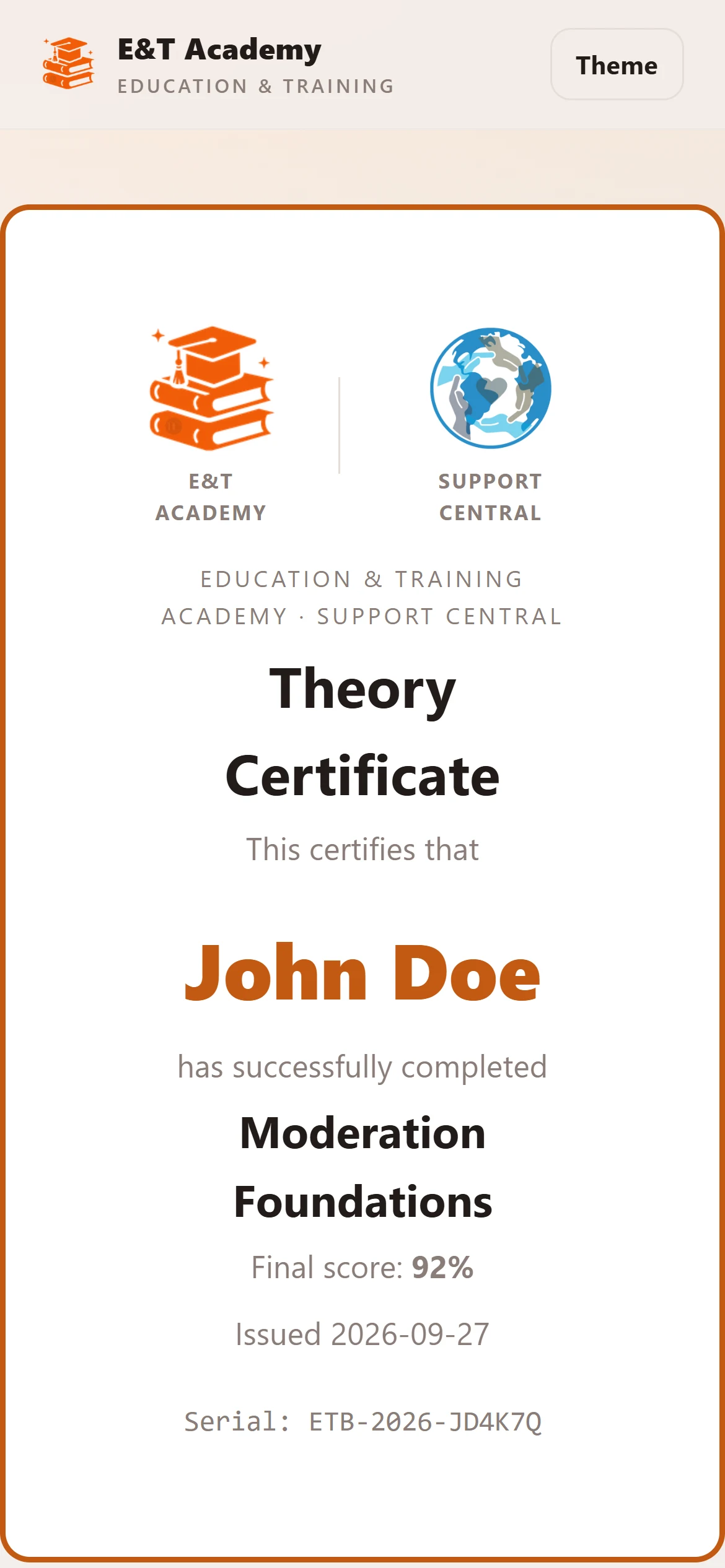
Pass a course exam and you get a certificate with its own public verification page — so a community you apply to can confirm it's real in one click.
- Exams marked automatically, with written answers graded by our Examiners
- Every certificate has a unique reference
- Revoked certificates show as revoked
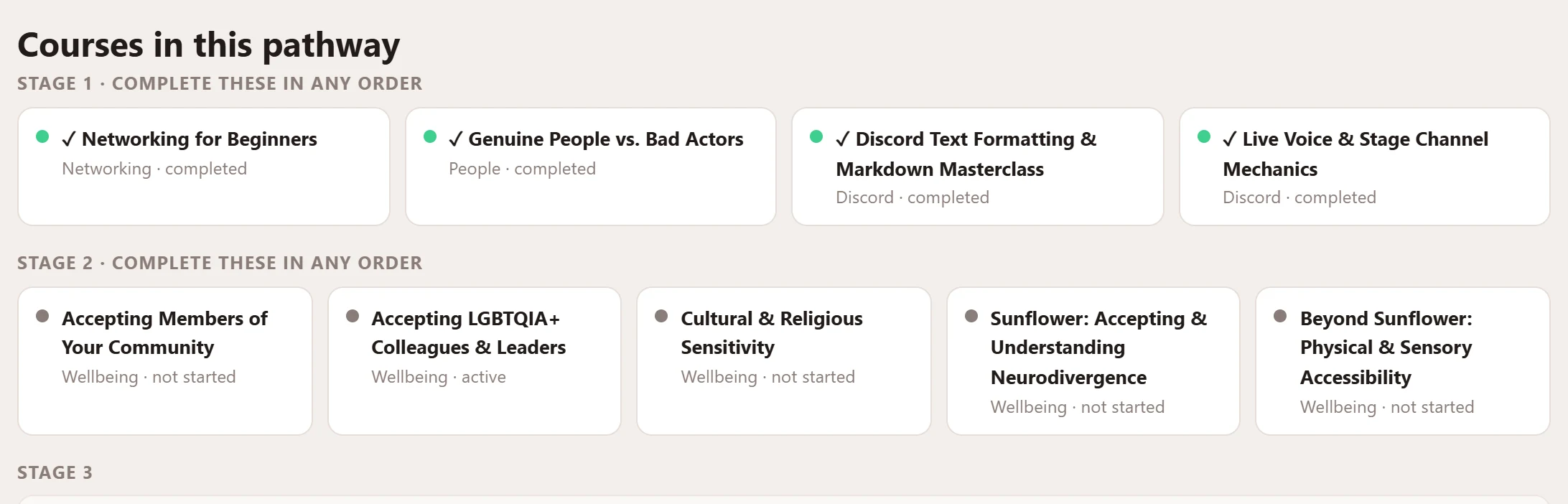
Pathways and live simulations
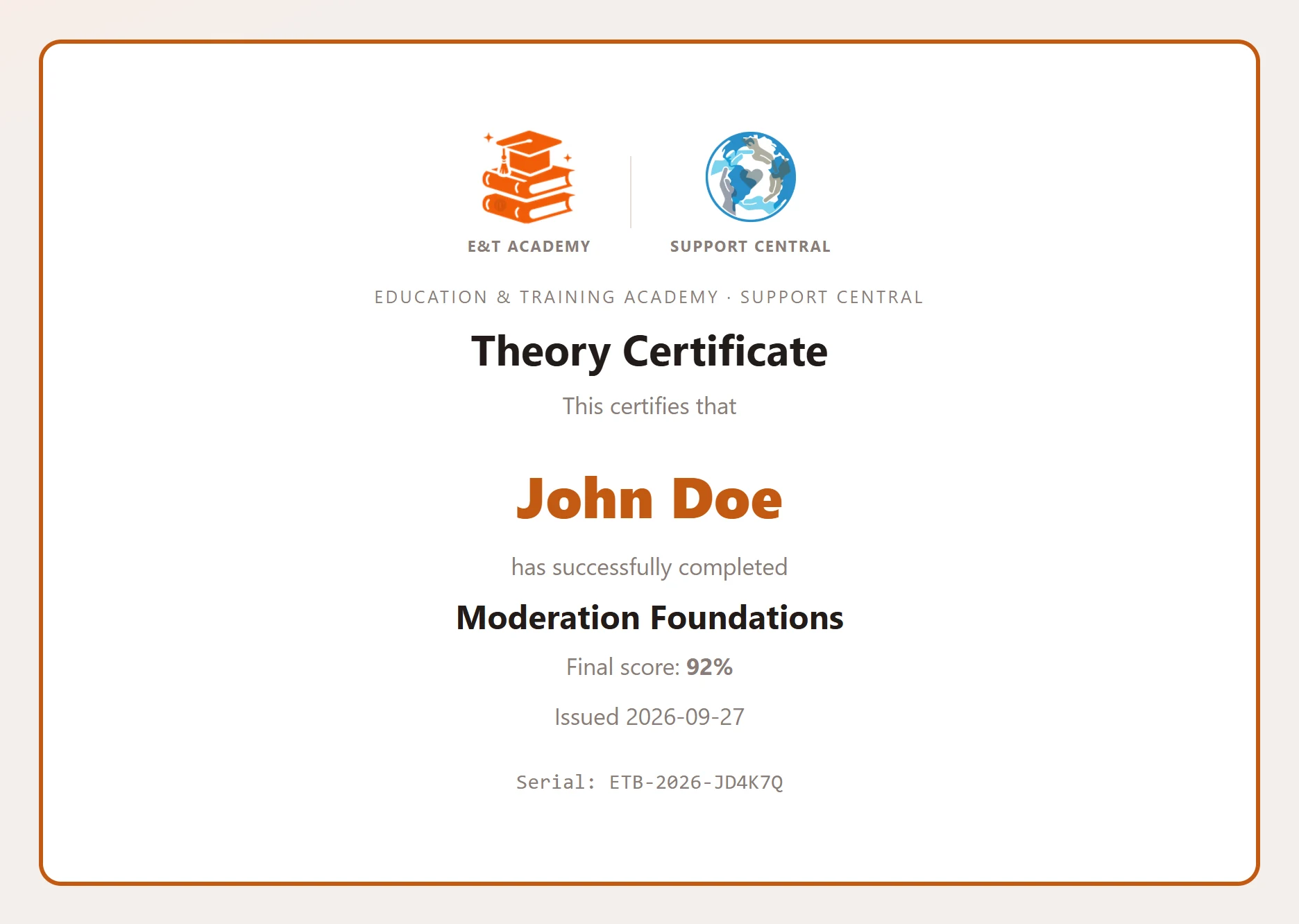
Pathways group courses into a staged qualification with a final capstone. Simulations put you in a realistic, difficult conversation — played by a Training Instructor — so your first hard case isn't a real one.
- Stages unlock as you finish the courses before them
- Capstone exam and a pathway certificate
- Graded feedback from a real instructor
For communities
Train your whole team with us
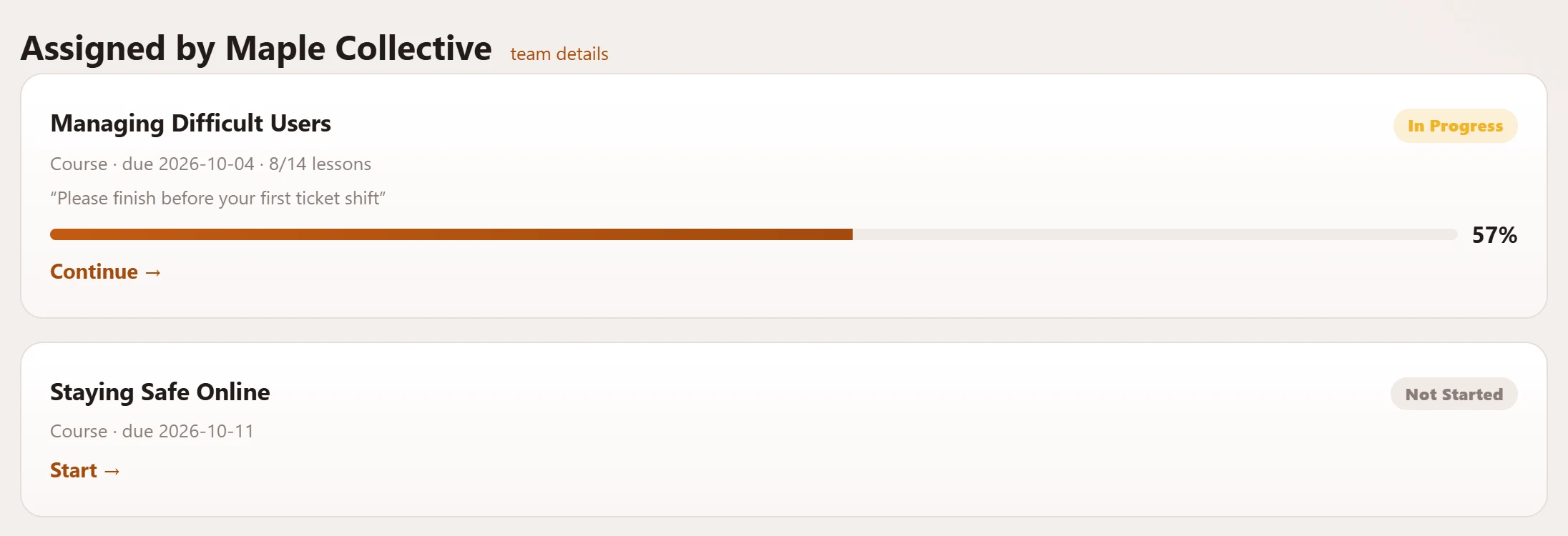
Approved partner communities can use the Academy as their own team's academy: invite their staff, recommend and assign training, and follow progress on what they assigned.
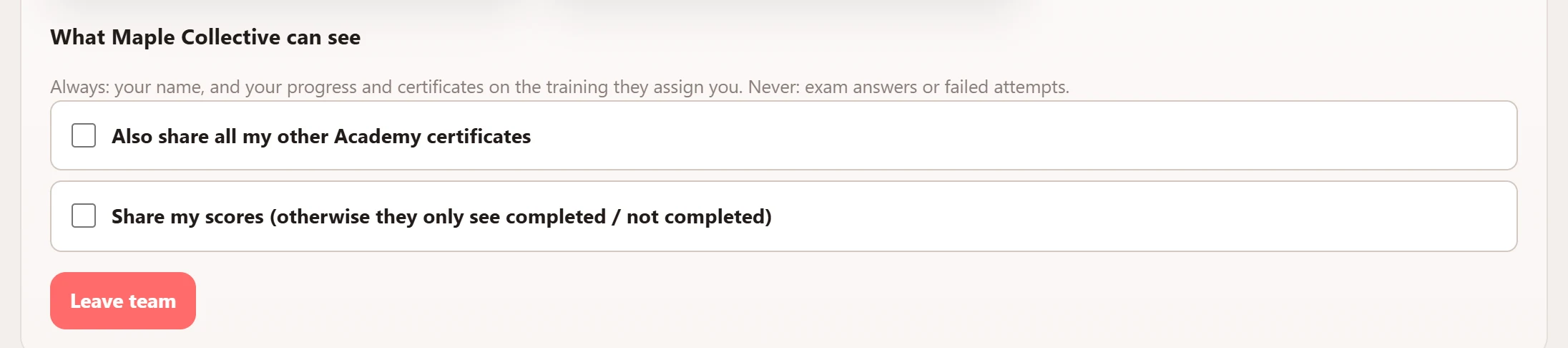
- Members join by accepting — and can leave any time
- Communities only see progress on the training they assign
- Communities can also publish their own courses, clearly marked as external
On any device
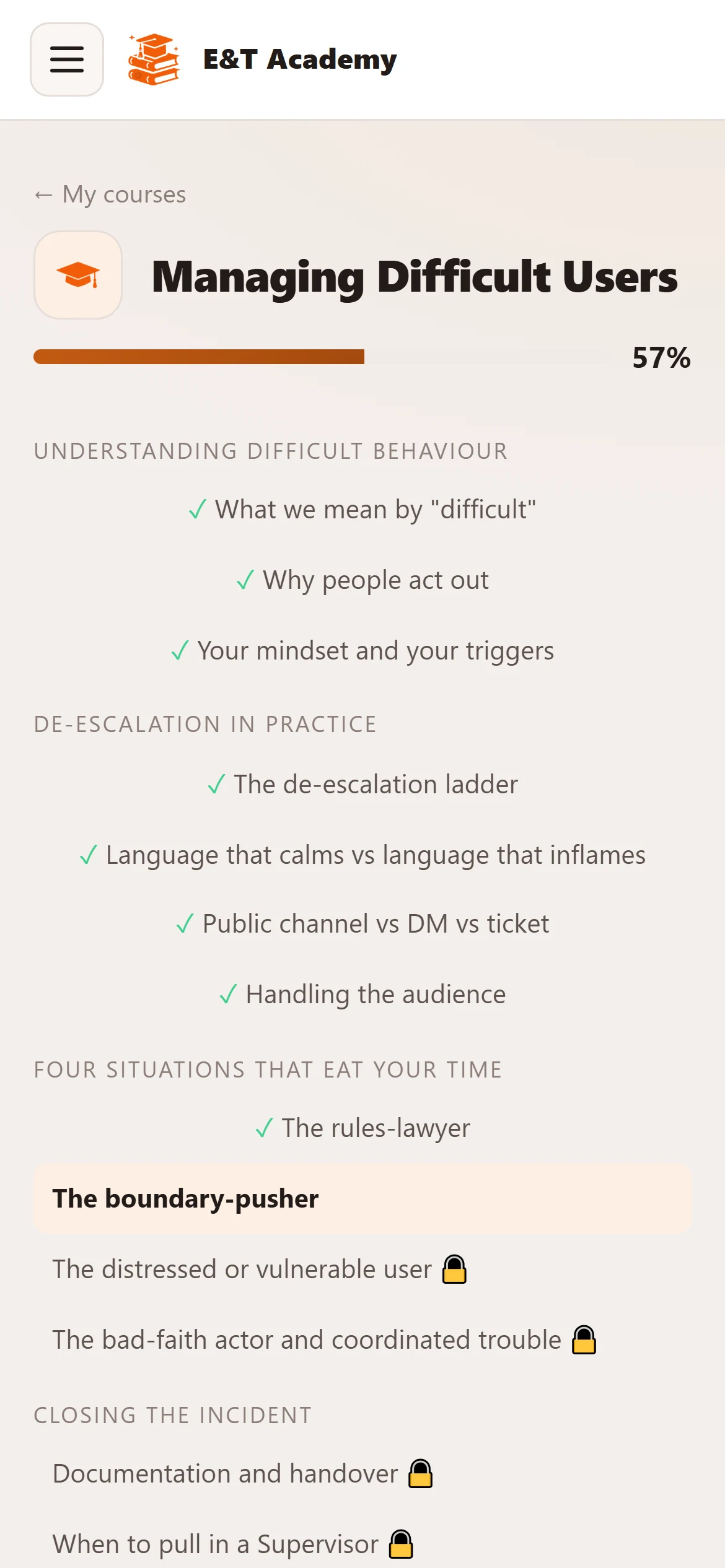
Your course, in your pocket
The Academy works just as well on a phone — carry on a lesson on the bus and pick it up on your laptop later.
Getting started
Three steps to your first course
Sign in with Discord
No new password — the Academy uses your Discord account.
Get learner access
Members of Synch or a partner community are usually fast-tracked. Everyone else is reviewed by our team.
Pick a course
Start with an intro course, or follow a pathway towards a role you want.
Ready to start learning?
It's free, and your progress and certificates are always yours.